7–12 House Cup · for teachers

Connect a laptop to your projector, smartboard or TV. House Cup shows the question, keeps the scores, times each answer and passes a missed question to the next team. You just press Correct or Wrong.

  • $29 once, no subscription
  • No student devices
  • No child data
170ready questions, 135 in UK or US spelling
7packs, plus your own questions
4teams at most, each with a fair turn
0student devices or logins

For your classroom

Friday review that the class asks for.

Ready in five minutes, fair to every team, and nothing for the children to log in to.

For primary teachers, tutors, microschools and co-ops

Everything on one screen, nothing on paper.

Type your class or school name and your teams, pick question packs, and start. House Cup keeps the scores and the turns. Use it for end-of-unit review, a house competition or the last day of term.

  • Questions for the United Kingdom or the United States
  • A–D multiple choice, or answer from memory
  • One price per teacher, any number of classes
$29one-off, per teacherGet House Cup
A teacher in a bright classroom leans in to help a table of young children.
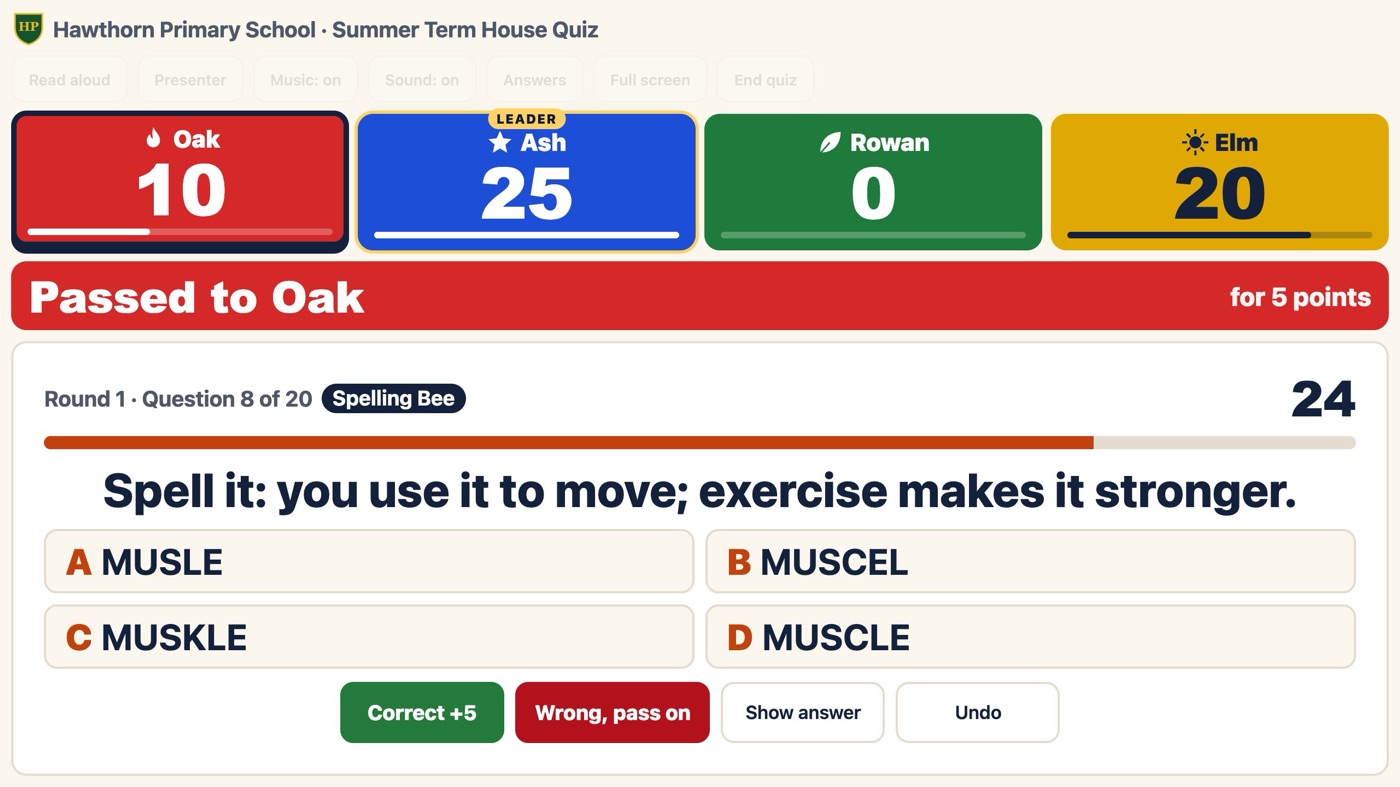
House Cup on a board: four house scores and a UK Spelling Bee question passed to Oak.

In class

Built for the noise of a real classroom.

The rounds

Every team gets its turn.

A wrong answer passes the question to the next team for fewer points. A timer keeps things moving, the lightning round lets the first team to shout the right answer score, and the final is worth triple points.

Pass-on10 points, then 5
TimerOr switch it off
Lightning round60 seconds, any team
FinalTriple points
Try a short quiz free
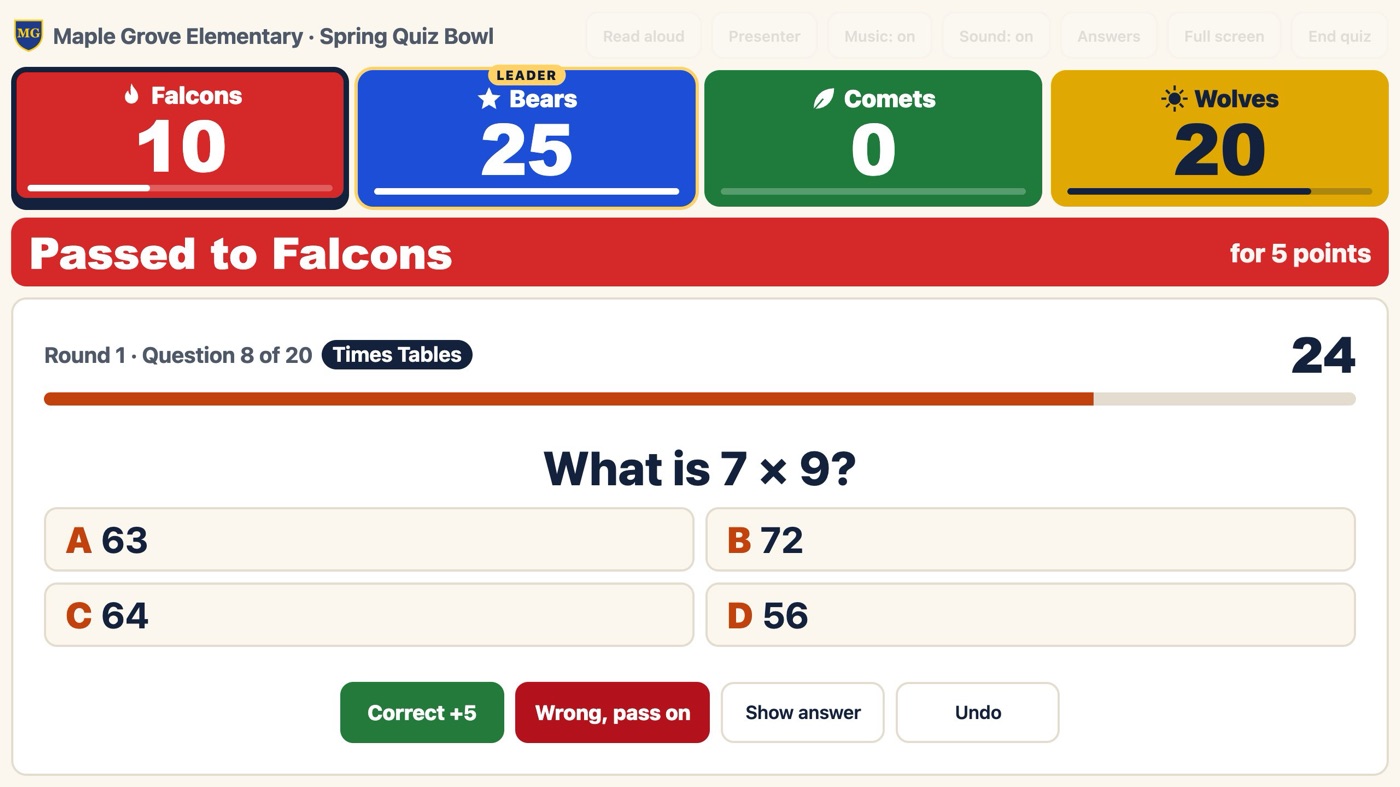
A Times Tables question, What is 7 × 9?, passed to the Falcons for 5 points, with the four team scores above.
The questions

Seven packs, five in your spelling.

Choose the United Kingdom or the United States and get five packs written for that country, with spelling, units and money to match. Two picture rounds show flags, landmarks and animals. Add your own questions, edit the built-in ones, and save a pack as a file to share with a colleague.

Spelling BeeUK or US spelling
Times Tables£ and metric, or $ and inches
Picture roundsFlags, landmarks and animals
Your own packsImport and export as a file
Questions teachers ask
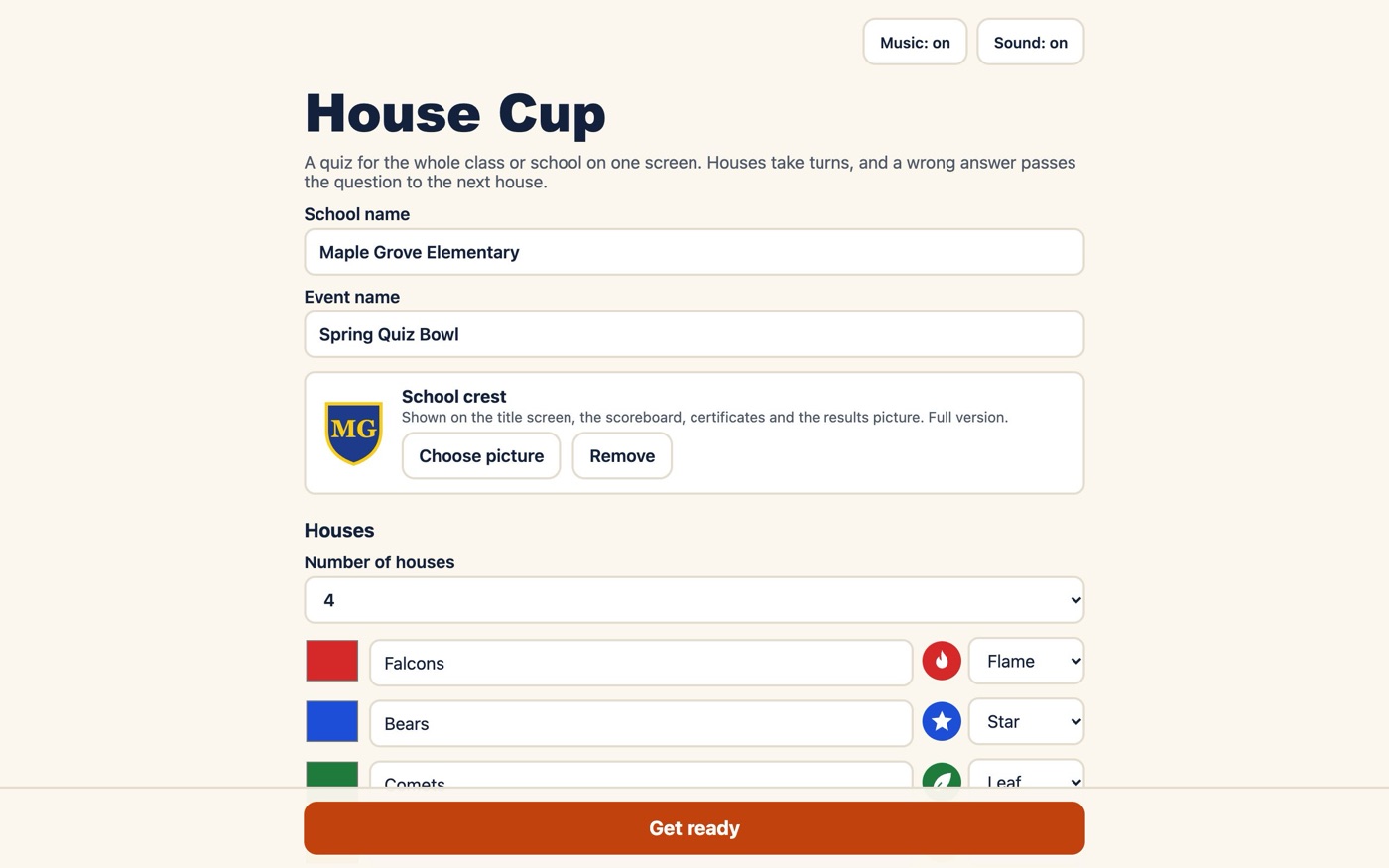
The House Cup setup screen: school name, event name, crest and four named teams.
The show

A winner worth a drumroll.

Teams walk on with their own emblems, the screen calls out each lead change, and a drumroll plays before the winner. Afterwards, save a results picture to share with families, and print a certificate for every team.

Opening titlesEach team walks on
Lead changesCalled out on screen
Results pictureTo share with families
CertificatesOne per team
See the price
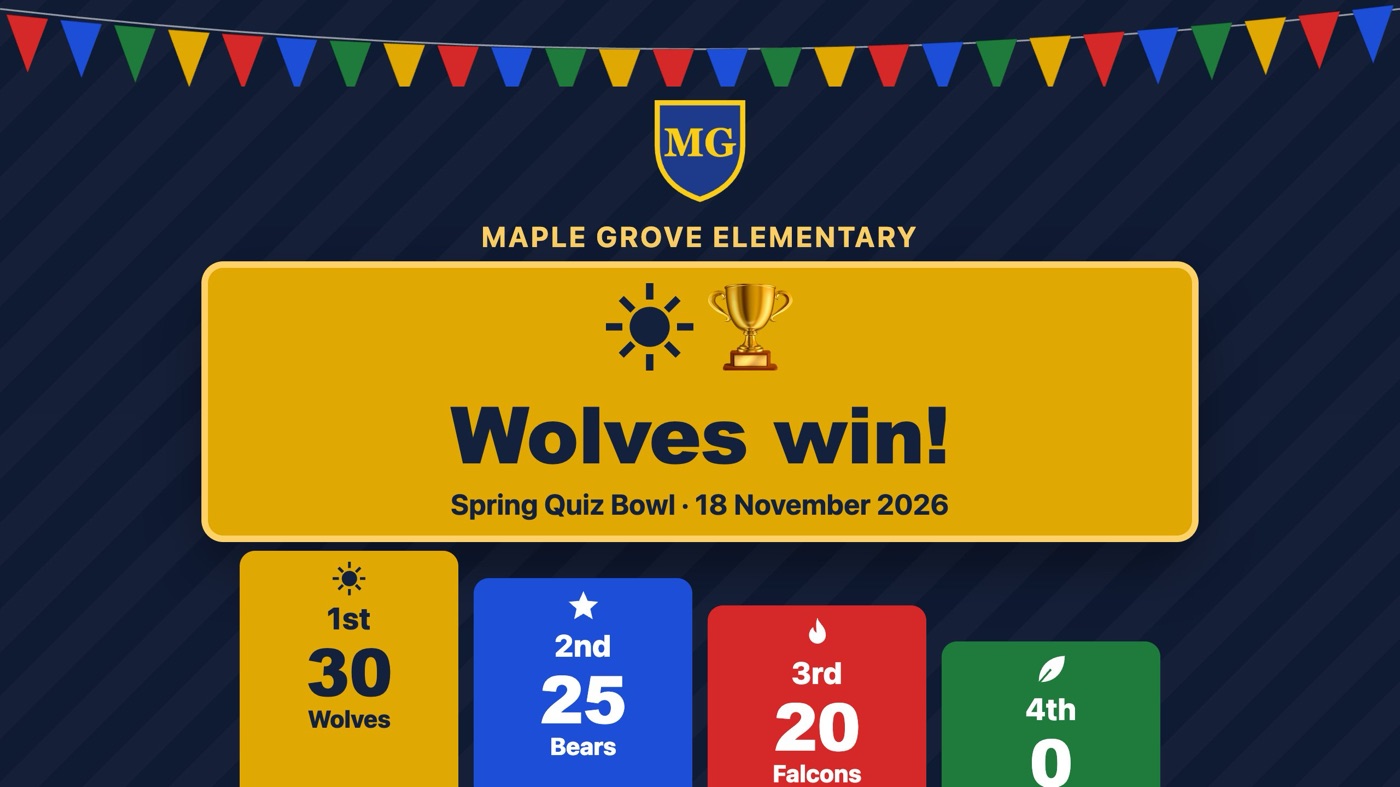
The winner screen: Wolves win with 30 points, and a podium for the other teams.
Three looks

Pick a look for the big screen.

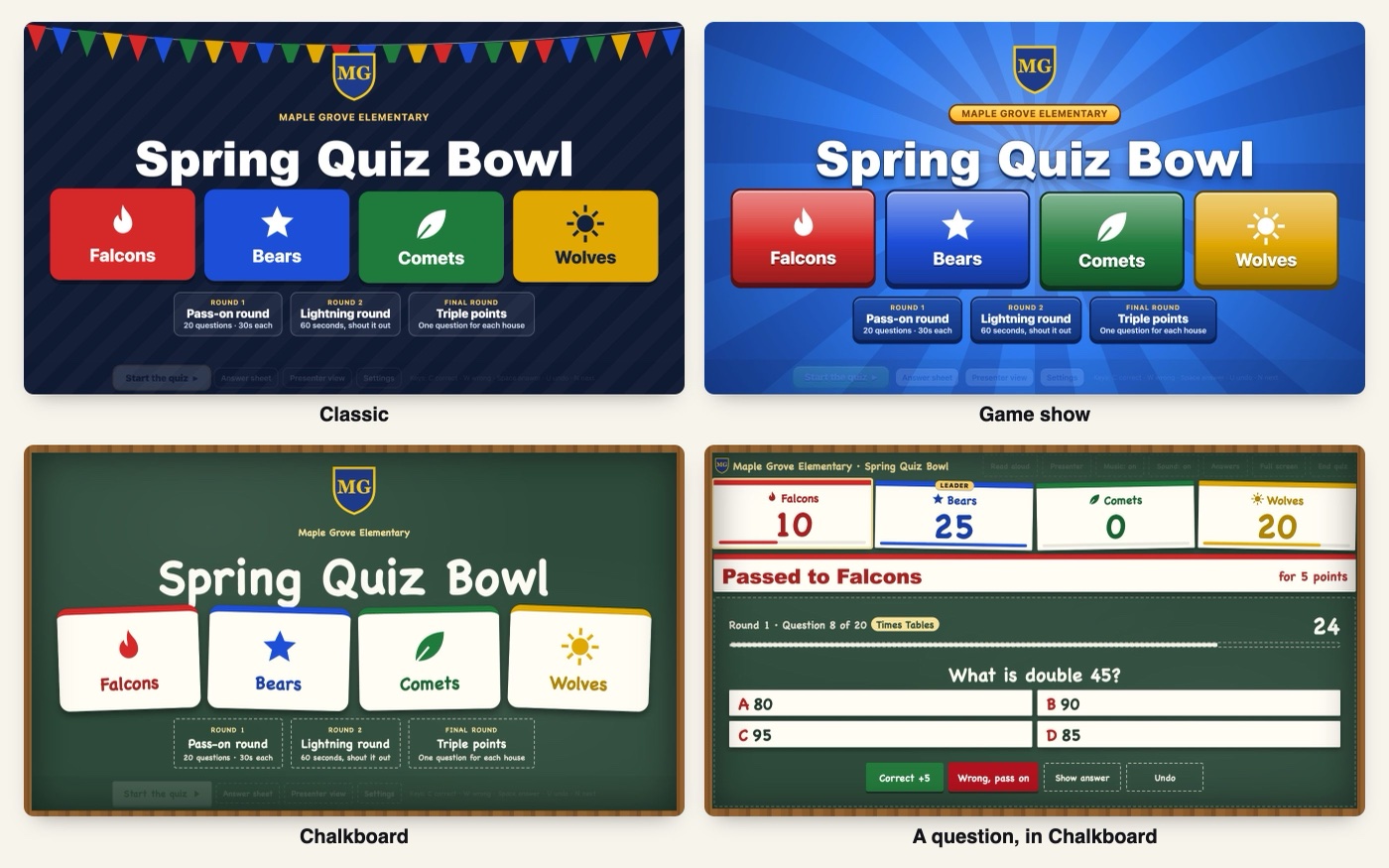
Choose Classic, Game show or Chalkboard from three preview tiles when you set up. Each look covers every screen, from the title to the questions to the winner's drumroll, and the results picture too. All three looks are in the free demo.

ClassicNavy stage and bunting
Game showSunburst, glossy tiles
ChalkboardFramed board, paper cards
RememberedSet it once
Try all three free
The title screen in three looks (Classic with bunting, Game show with a blue sunburst, Chalkboard with chalk lettering and paper team cards) and a question in Chalkboard, with paper score cards on a framed board.
For the teacher

The answers stay on your laptop.

With a projector set up as a second screen, presenter view puts the answers and buttons on your laptop and only the question on the board. Read-aloud uses the computer's own voice, and music and sound can be switched off.

Presenter viewNeeds a second screen
Read aloudThe computer's own voice
Answer sheetPrinted for the quizmaster
Quiz reportBy subject, teams only
Try the demo
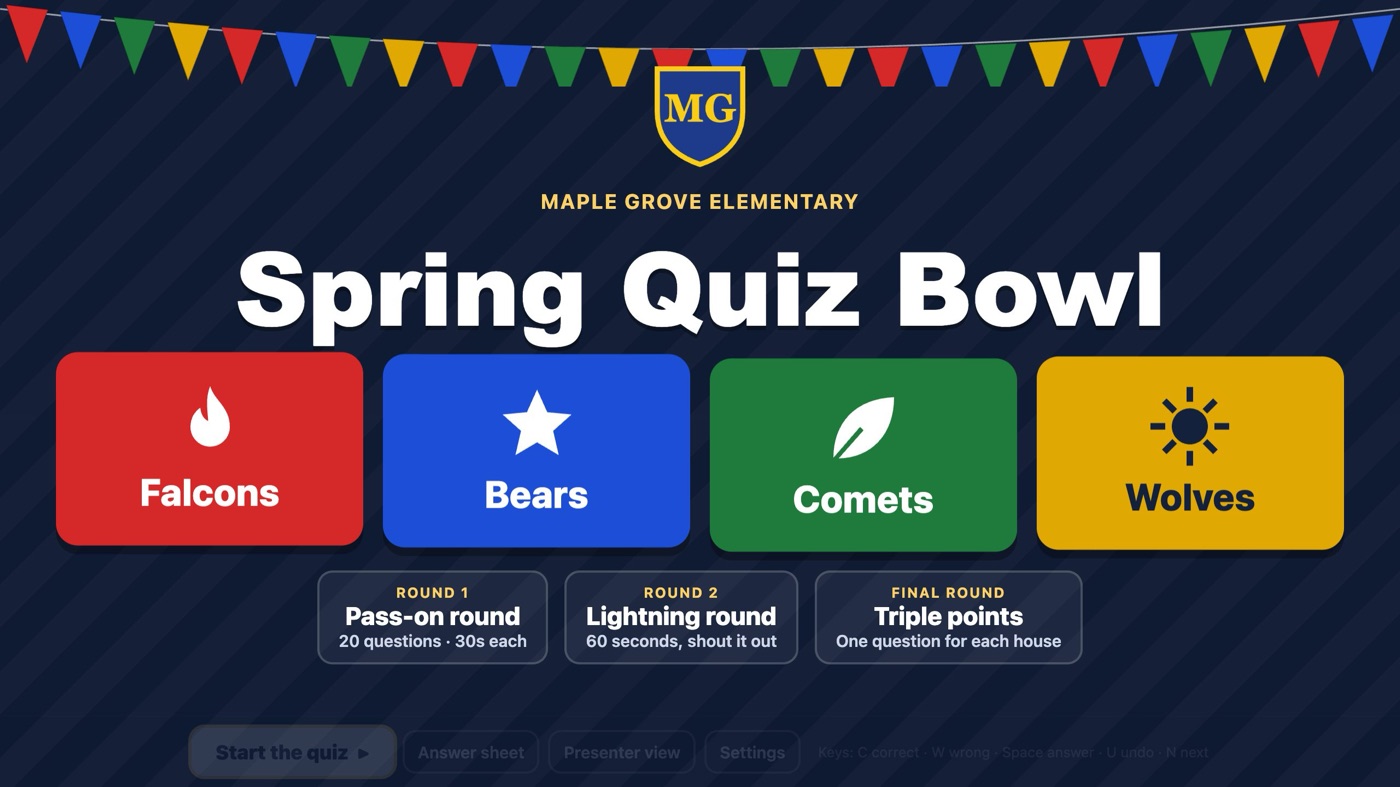
The title screen under house-colour bunting: the school crest, the event, four team cards and the day's rounds.

Price

One payment. Every class you teach.

Try the demo with your own projector or board first. If it works in your room, unlock everything once.

House Cup

Full version

For one teacher

$29 once
  • All 7 packs for your country, and the other country's packs too
  • Your own questions, import and export
  • Lightning round, final, presenter view and certificates
  • Any number of classes and games, free updates
Buy House Cup

Free demo

No sign-up, no card

$0
  • One short game (10 questions) from each pack
  • Team emblems, opening titles and the winner's drumroll
  • Results picture and read-aloud
Try the free demo

14-day refund, for any reason.

Children's privacy

House Cup knows nothing about your students.

Only the adult who pays is in contact with us. Teams play as teams, and nothing about the children is collected.

✓
No student names or accounts

No logins, photos, ads or tracking. Teams play under team names.

✓
Scores stay on screen

The quiz report covers teams and subjects only, never individual children.

✓
Stays on your laptop

Your school name, crest, teams, settings and own questions stay on that laptop and are never sent anywhere.

FAQ

Questions teachers ask.

Anything else? Email hello@owlandkite.com

What equipment do I need?

One laptop with Chrome or Edge, and a projector, smartboard or big TV. A speaker helps for the music, but it's optional. Students don't need devices.

Does it need the internet in class?

No. Open it once with the internet on. After that it runs offline on that laptop.

Which ages is it for?

The built-in packs are written for ages 7 to 11 in the UK (Years 3 to 6) and 7 to 12 in the US (Grades 2 to 6). With your own questions you can use it for any age.

Can I use my own questions?

Yes. Add your own packs, edit the built-in questions (with a button to restore the originals), and save packs to a file to use on another laptop or share with a colleague.

Is it a subscription?

No. $29 once per teacher, for any number of classes and games, with free updates. Nothing renews.

Can my school buy it for several teachers?

Yes: one licence per teacher. Email us for an invoice for several.

What does presenter view need?

A projector or screen set up as a second display (extended, not mirrored). The questions show on the projector, and the answers and buttons stay on your laptop.

What if it doesn't work in my room?

Try the free demo on the same laptop and screen first. If the full version still doesn't work for you, ask for a refund within 14 days.
Test it on your board today.

The free demo plays one short game from each pack with your own team names. If the class loves it, unlock everything once.